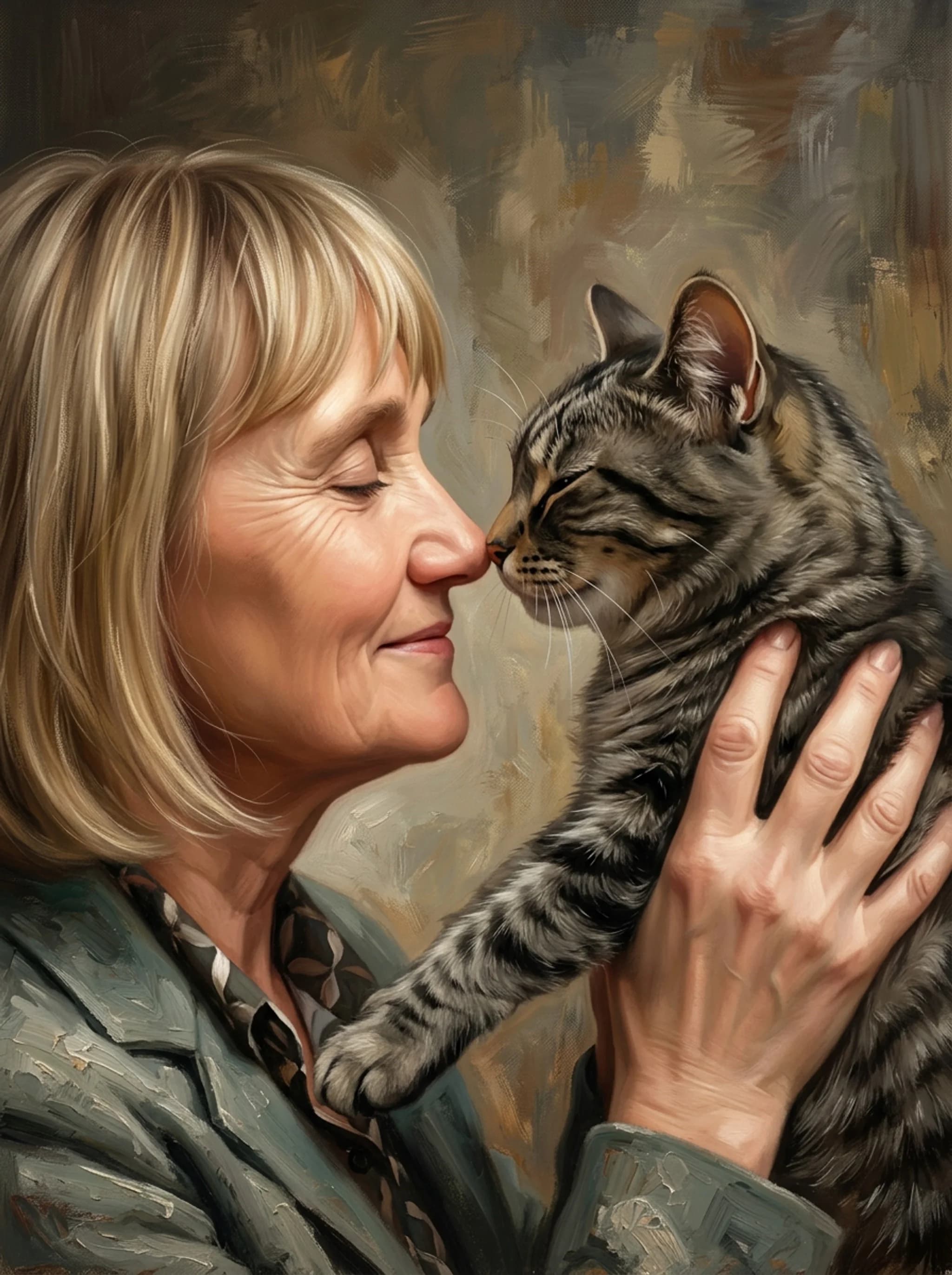
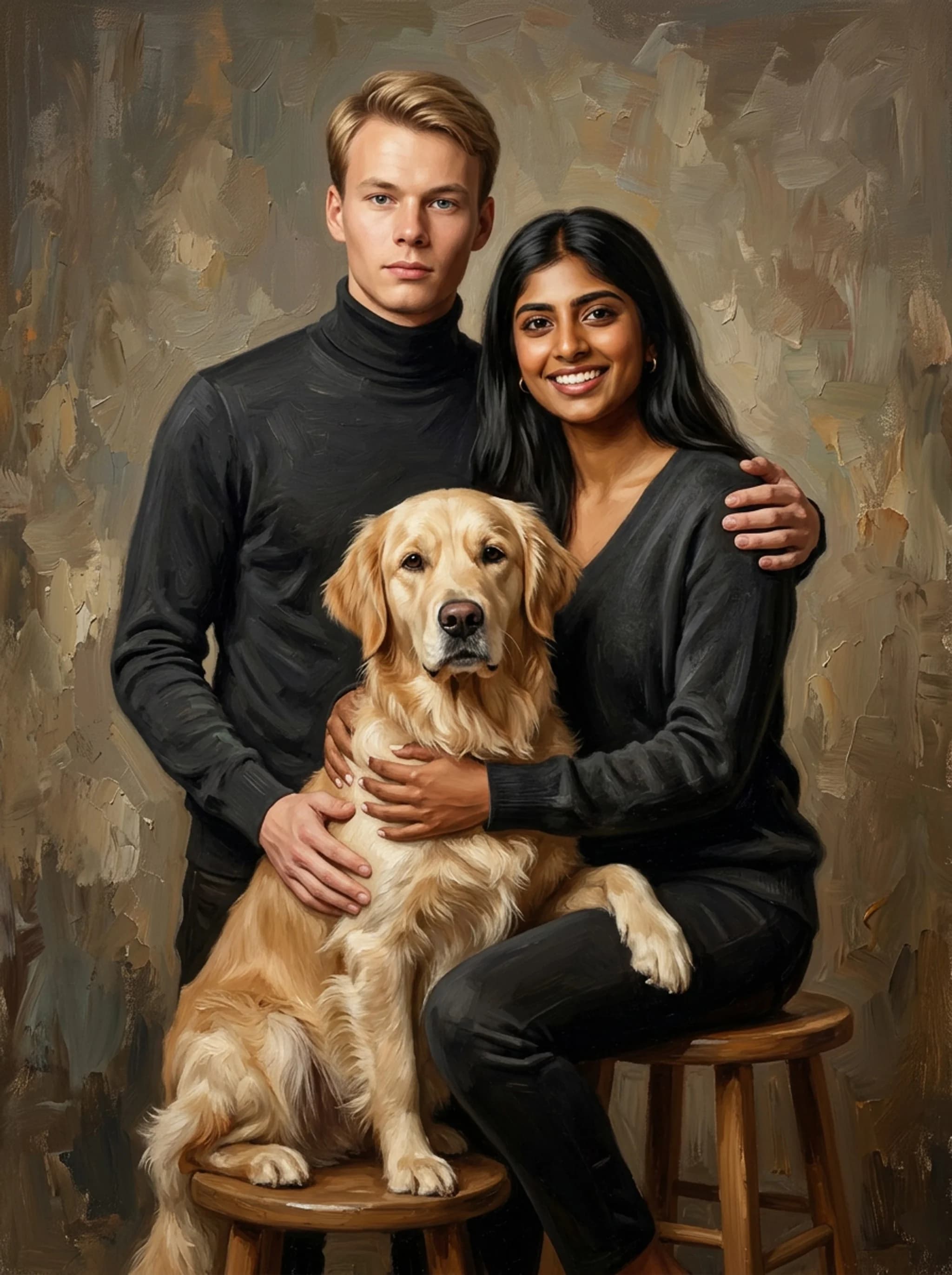
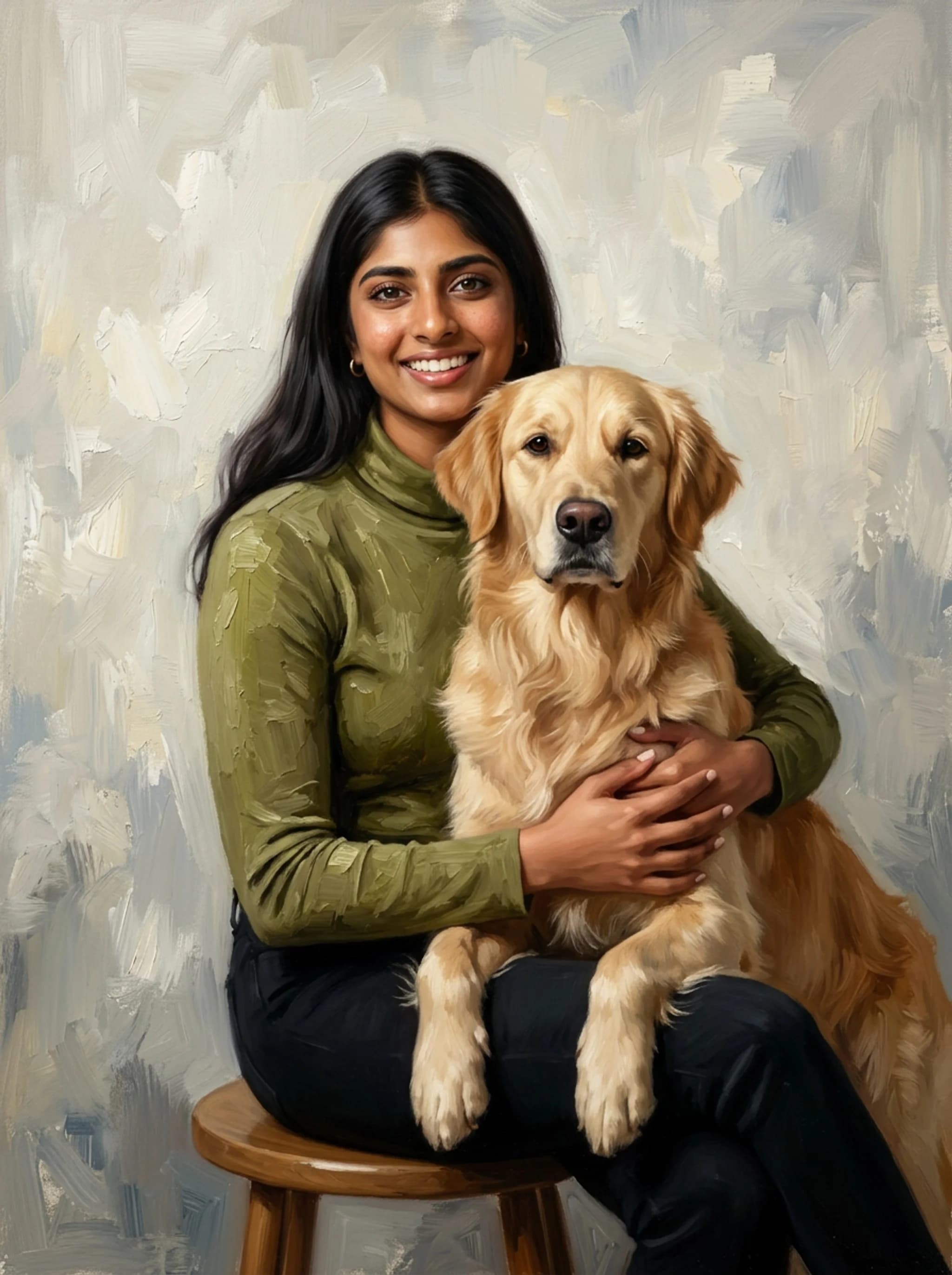
You're staring at a smartphone photo of you and your dog, wishing it looked like a classic masterpiece hanging in a gallery instead of a digital file buried in your camera roll. Capturing the bond between a dog and their owner in a single image is tough, but turning that photo into a genuine-looking oil painting is even harder due to contrasting textures like human skin and coarse canine fur. This guide breaks down exactly how to convert your favorite dog and owner photo into a stunning oil painting, comparing DIY digital methods, AI tools, and professional artists. The team at getnobly.com creates personalized portraits that look like real paintings of people with their pets, family members, or as couples, helping you bypass the technical headache entirely.
Custom Pet and Owner Portrait Vendor Benchmark
What people actually search
Intent
turn pet photo into oil painting
Topic
how do i turn a picture into an oil painting
Question
how to turn a photo into an oil painting
Question
how to turn photo into oil painting photoshop
Question
turn dog photo into line drawing free
Pricing
turn dog photo into art
Topic
turn dog photo into painting
Topic
turn dog photo into bathroom art
Topic
turn dog photo into cartoon
Topic
turn dog photo into drawing
Topic
Data represents average industry benchmarks for custom pet and owner portrait options, checked at publication.
How do I turn a picture into an oil painting?
You've probably tried those free mobile apps that promise to paint your photo with a single tap, only to end up with a blurry, plastic-looking mess that looks nothing like your dog. To turn a picture into an oil painting, you can choose between three main paths: executing a digital filter workflow in Adobe Photoshop, utilizing generative AI models like Midjourney v6, or commissioning a professional artist to paint a custom physical canvas. Each method varies significantly in cost, hands-on time, and ultimate physical authenticity. If you want to do this yourself, prepare for a learning curve. If you want to outsource it, you need to know exactly what you are paying for. We've spent years analyzing the custom portrait space, and the truth is that most cheap canvas companies are just running your photo through a basic Photoshop filter and printing it on cheap polyester. If you want something that actually looks like a gallery piece, you need to understand the mechanics of how these portraits are made. Our team put together a deep look at Turning a Picture of Your Dog and Yourself into a Painting: to help you choose the right path.
Practical rule: Never rely on a single-click mobile app filter if you want a portrait that looks like real oil on canvas.
The DIY Photoshop and Corel Painter workflow
Adobe Photoshop remains the industry standard for digital artists, but don't rely on the basic Oil Paint filter under the stylize menu. It looks cheap and artificial. Instead, professional digital painters use a combination of the Mixer Brush tool and Corel Painter to hand-stroke over the photo. This process involves setting up a custom wet-on-wet brush preset, sampling colors directly from your photo, and painting over the original details to introduce physical brush direction. You'll want to work on a high-resolution canvas, at least 300 DPI at the final print size. Start by blocking in the large color shapes with a broad, flat brush in Corel Painter, then move to Photoshop to refine the details. This dual-software approach allows you to maintain the underlying structure of your photo while adding the organic, chaotic edges that define real oil paintings.
AI prompting with Midjourney v6 and SDXL
Generative AI has shifted the playing field, but it's not as simple as typing a basic command. If you upload a photo of you and your dog to Midjourney v6, the model will often hallucinate extra limbs, distort your dog's breed, or make you look like a stranger. To get a clean result, you must use image-to-image prompting combined with a style reference and low image weight settings. Try uploading your photo, copying the link, and using a prompt that specifies heavy impasto brushstrokes, realistic textures, warm gallery lighting, and rich color palettes. This forces the model to respect the original composition of your photo while applying a believable oil texture rather than a flat digital render.
Commissioning hand-painted oil on canvas
If you want a physical masterpiece that actually uses real pigment, oil, and linen, you have to commission a real artist. This is the most expensive route, but it's the only one that yields a true heirloom. Platforms like Paint Your Life connect you with classical portrait artists, but you must be prepared to wait. Real oil paint takes weeks to dry, and a genuine hand-painted portrait cannot be rushed. When commissioning a hand-painted piece, clarify whether the artist is painting from scratch on a blank linen canvas or doing a digital overpaint. Many lower-cost Etsy artisans print your photo onto canvas using cheap ink and then paint a few quick acrylic strokes over the top to mock the look of oil. True oil paintings have a depth, smell, and light-reflecting quality that digital prints can never match.
What is the best way to handle dual-subject rendering?
You look at a portrait and immediately notice something is off, but you can't quite put your finger on it. The best way to handle dual-subject rendering is to treat human skin tones and canine fur as separate texture layers, using soft, low-contrast blending for faces and high-frequency, impasto brushwork for fur. Failing to separate these textures results in a muddy portrait where the human looks furry or the dog looks plastic. This texture clash is the ultimate test of any portrait method. Human skin requires smooth gradients and subtle color shifts to look natural under gallery lighting. Dog fur, on the other hand, requires thousands of distinct, sharp, and overlapping strokes to convey depth and volume. If you apply the same digital filter or brush preset to both, you ruin the entire piece.
Practical rule: Always isolate your human and pet subjects onto separate layers before applying paint effects.
Solving the texture clash: fur vs. skin
To solve this in digital painting, you must isolate the subjects. Create a mask for the owner and a separate mask for the dog. For the human subject, use a soft round brush with low flow settings to blend the skin tones, mimicking the classical sfumato technique. Avoid hard edges on the face, especially around the eyes and mouth, as this makes the subject look aged or cartoonish. For the dog, switch to a bristled, high-grain brush. You want to paint in the direction of the fur growth, layering dark undercoats first before adding lighter highlight strokes on top. This technique creates a three-dimensional effect that makes the fur look touchable, contrasting beautifully against the smooth skin of the owner.
Composite merging: combining separate photos
Let's be honest: getting a dog to sit still next to you for a perfect photo is nearly impossible. You will almost always have to merge two separate photos. The key here is matching the light source direction and color temperature before you start painting. If your dog's photo was taken in bright, cool outdoor light and your photo was taken under warm indoor lamps, the final painting will look disjointed. Use Adobe Photoshop to cut out the subjects and place them on a neutral background. Use the Match Color tool or manual curves adjustments to align the highlight and shadow values. Once the lighting is unified, you can merge the layers and begin the painting process. This ensures that the final oil painting looks like a single, cohesive moment rather than a lazy collage.
DPI, color profiles, and gallery wrap bleeds
If you plan to print your digital creation on canvas, you cannot ignore the technical specs. Most digital artists work in sRGB because screens display those colors beautifully. However, professional canvas printers operate in CMYK. Convert your file to a CMYK color profile like GRACoL2006 to ensure the rich oil reds and deep blues don't turn muddy when printed. Additionally, you must calculate the gallery wrap bleed. Canvas prints are stretched around a wooden frame, meaning about 1.5 to 2 inches of your outer image will be wrapped around the sides. If you place your dog's tail or your shoulder too close to the edge of your digital canvas, it will disappear from the front view. Always design with a generous border of background texture to accommodate this wrap.
Your bond, painted in oil.
Upload one photo and see your portrait in 60 seconds. Free preview, no account needed.
How to turn a photo into an oil painting: vendor comparison
You see a beautiful pet portrait online for thirty dollars and think you've found a steal, but you're actually about to buy a cheap, pixelated poster. Choosing the right method depends on your budget, timeline, and quality standards, ranging from instant free digital filters to high-end commissioned oil canvases that take weeks to cure. Evaluating vendors based on their actual medium, whether they do digital overpainting or true hand-applied pigments, is essential to getting a portrait that lasts. To help you make sense of the wild price differences in this market, we analyzed the top custom portrait options. Some companies spend thousands on social media ads but deliver low-quality prints, while others offer genuine artisanal value. Understanding these differences keeps you from wasting money on a piece that will fade or peel within a year. | Method or Vendor | Estimated Turnaround | Cost Range | Medium Authenticity | Best For |
:---
:---
:---
:---
:---
Adobe Photoshop DIY
1, 3 hours
$22.99/mo
100% Digital file
Creative control
Midjourney v6 AI
10 minutes
$10, $60/mo
AI-generated digital
Rapid concepts
Crown & Paw
5, 10 days
$60 - $120
Digital print on canvas
Fun, costume-based gifts
Nobly Portraits
7, 14 days
$150 - $300
Premium digital-to-oil canvas
Realistic family & pet portraits
Paint Your Life
3, 5 weeks
$350 - $1,000+
100% Hand-painted oil
High-end physical heirlooms
Practical rule: Avoid vendors that promise 100% hand-painted oil portraits in under two weeks; it is physically impossible due to paint drying times.
Understanding digital overpaint vs. 100% hand-painted
The biggest point of confusion in the custom art market is the term "oil painting." Many mid-tier services use a process called digital overpaint. They take your photo, apply an oil-like filter, print it onto canvas, and then have a production worker paint a transparent gel or a few strokes of actual oil paint on top to create physical texture. While this is affordable, it lacks the depth of a painting built layer by layer from scratch. True hand-painted oil portraits start with a pencil sketch on raw canvas, followed by multiple layers of oil paint mixed with linseed oil or turpentine. This traditional process allows the paint to build up physical thickness, which catches the light in a way that flat digital prints never can. If a vendor promises a 100% hand-painted oil portrait for under a hundred dollars, they are likely misleading you.
The cost vs. longevity equation
Cheap digital prints on canvas use water-based inks that degrade when exposed to sunlight. Within five to ten years, your vibrant portrait can look washed out and faded. Professional oil paintings, however, can last for centuries if properly cared for. The pigments in high-quality oil paints are bound in drying oils that cure into a durable, flexible plastic-like film over time. If you are looking for a casual, humorous gift like putting your dog's head on a general's uniform, a budget digital print service like Crown & Paw is perfectly fine. But if you want a genuine family heirloom that captures a real, emotional connection, investing in a high-quality service like Nobly or a traditional hand-painted commission is the only choice that makes sense for the long run.
Turnaround realities and customer trust
Be wary of advertised turnaround times. Many custom portrait companies claim they can deliver a hand-painted masterpiece in less than a week. This is physically impossible. True oil paint takes a minimum of one to two weeks just to become dry to the touch, and months to fully cure. If you need a portrait quickly for a birthday or holiday, digital-to-canvas services are your best bet. They can be designed, printed, and shipped within a few days. If you choose the hand-painted route, plan at least six to eight weeks in advance to allow the artist time to paint, dry, varnish, and safely pack your canvas without smudging the wet paint.
Can you turn a dog photo into art with AI tools?
You type a prompt into an AI generator expecting a classic painting of you and your labrador, but instead you get an image of a human with three hands and a dog with two tails. Yes, you can turn a dog photo into art using AI models like Midjourney v6 or Stable Diffusion XL, but achieving a flawless dual-subject portrait requires precise prompt engineering and post-generation cleanup. Without advanced prompting, AI frequently warps anatomy, blends the dog's limbs into the owner, or distorts facial features. Generative AI is incredibly powerful, but it lacks a spatial understanding of how living bodies interact. It doesn't know where your arm ends and your dog's shoulder begins. To get a clean, printable result, you must combine AI generation with traditional digital editing tools. If you're looking for inspiration on how to style these dual-subject compositions, check out The founder's guide to personalized portraits for couples to see how professional layout artists structure complex human-to-human and human-to-pet portraits.
Practical rule: Use a low image weight (around 1.0 to 1.5) in Midjourney to let the AI stylize the image without completely ignoring your original photo's structure.
Prompt recipes for Midjourney v6
To get a high-quality oil painting effect in Midjourney v6, you need to use descriptive style keywords rather than generic terms. Avoid words like photorealistic or hyperdetailed, which confuse the model and often result in a plastic, CGI look. Instead, use historical art terms like impasto brushwork, chiaroscuro lighting, or palette knife textures. Try this recipe: `/imagine prompt: A classical oil painting of a woman sitting on an antique velvet armchair holding a Pembroke Welsh Corgi, warm candlelight, deep shadows, visible heavy brushstrokes, canvas texture, in the style of John Singer Sargent --style raw --v 6.0`. The reference to John Singer Sargent guides the AI toward realistic skin tones and loose, elegant brushwork rather than stiff, digital-looking renders.
Resolving anatomy glitches and warping
Even with the perfect prompt, your AI output will likely have minor glitches. The most common issues are deformed paws, merged eyes, and weirdly shaped ears. To fix these, you will need to use Photoshop's Generative Fill or the Clone Stamp tool. Crop out the glitched area, write a specific correction prompt like "anatomically correct dog paw," and let the AI patch that specific section. This hybrid workflow, generating the base image with AI and then manually painting over the errors, is how professional digital artists work. It saves hours of manual painting while ensuring the final image is free of the weird anomalies that scream AI-generated.
Upscaling with Topaz Gigapixel AI for print
Midjourney and other AI models typically output images at relatively low resolutions, usually around 1024x1024 pixels. If you try to print this directly onto a large canvas, say 16x20 inches, the final print will look blurry and pixelated. You must upscale the image before sending it to the printer. Topaz Gigapixel AI is the gold standard for this task. Unlike basic upscalers that just stretch pixels, Gigapixel uses machine learning to calculate and insert missing details, keeping the brushstrokes sharp and the textures defined. Aim for a final resolution of at least 300 DPI at your target print size to ensure your canvas looks crisp even up close.
Designing your final pet and owner masterpiece
You've spent hours perfecting your digital file or choosing the right artist, and now you have to decide where this piece of art actually belongs in your home. Designing your final pet and owner masterpiece requires selecting the right background setting, choosing a pose that reflects your relationship, and preparing the digital file with correct CMYK color profiles for printing. A well-planned portrait serves as a timeless focal point, whether displayed in your living room or styled as playful bathroom art. A custom portrait is more than just home decor; it's a conversation starter and a reflection of your family's personality. Whether you choose a classic, formal pose or a lighthearted, modern setup, the final presentation matters. If you want to expand your collection to include the rest of your household, read our comprehensive resource Get a Unique Family Portrait Painted: The Ultimate Founder's to learn how to coordinate multi-subject paintings. > A great pet portrait isn't just a copy of a photo; it's an edit of reality that captures the exact soul of your bond.
Practical rule: Choose a matte finish for your canvas print to avoid harsh indoor glare that obscures the painted texture.
Choosing the perfect pose and setting
The setting of your portrait sets the entire mood. A formal, seated pose in front of a dark, moody library background evokes a sense of timeless elegance and humor. On the other hand, a candid, outdoor setting with natural sunlight feels warm, modern, and approachable. Think about where you plan to hang the painting and choose a style that complements your existing interior design. Don't feel restricted by the original photo's background. A professional artist or digital editor can easily swap out a messy living room background for a classic textured studio backdrop. This simple change instantly elevates the painting, making it look like a commissioned gallery piece rather than a casual snapshot.
Preparing the file for canvas printing
Before you hit print, double-check your file settings. Ensure your image is saved in a lossless format like TIFF or high-quality JPEG. If you are printing on canvas, select a matte finish rather than glossy. Glossy finishes on canvas can create distracting reflections under indoor lighting, making it difficult to appreciate the fine details of the brushstrokes. If you are working with Nobly, their team handles all of these technical details for you, ensuring your photo is perfectly converted into a stunning, print-ready digital painting or a beautifully stretched canvas. This eliminates the guesswork and ensures that what you see on your screen matches the physical product that arrives at your door.
Where to hang your custom masterpiece
Where you hang your portrait matters just as much as how it's painted. Large, formal portraits look best in highly visible areas like the living room, entryway, or above a fireplace mantel. If you opted for a more playful, whimsical style, consider hanging it in a hallway, home office, or even as high-quality bathroom art to surprise and delight your guests. Make sure the painting is hung at eye level, typically about 57 to 60 inches from the floor to the center of the canvas. If possible, position a small spotlight or adjustable track light to highlight the texture of the canvas, bringing the rich oil details to life and giving your home the feel of a private art gallery.
FAQ
How do I turn a picture into an oil painting?
You can turn a picture into an oil painting by using digital tools like Adobe Photoshop and Corel Painter, generating an image with AI models like Midjourney v6, or commissioning a professional artist to paint a custom physical canvas.
Can I turn a dog photo into art for free?
Yes, you can turn a dog photo into art for free using basic mobile apps like BeFunky Artsy or free AI image generators, though these free tools often produce low-resolution files with visible digital artifacts.
What is the difference between digital overpaint and hand-painted oil?
Digital overpaint involves printing a digital image onto canvas and applying a clear textured gel or a few oil strokes on top, whereas 100% hand-painted oil portraits are created from scratch using traditional oils on blank linen.
How do I prepare a dog photo for a custom painting?
To prepare a dog photo, ensure it is taken in high-resolution with clear, natural lighting that highlights the texture of the fur and details of the eyes.
How long does a custom oil painting take to dry?
A custom oil painting takes a minimum of one to two weeks to become dry to the touch, and up to six months to fully cure before it can be safely varnished.
Your bond, painted in oil.
Upload one photo and see your portrait in 60 seconds. Free preview, no account needed.