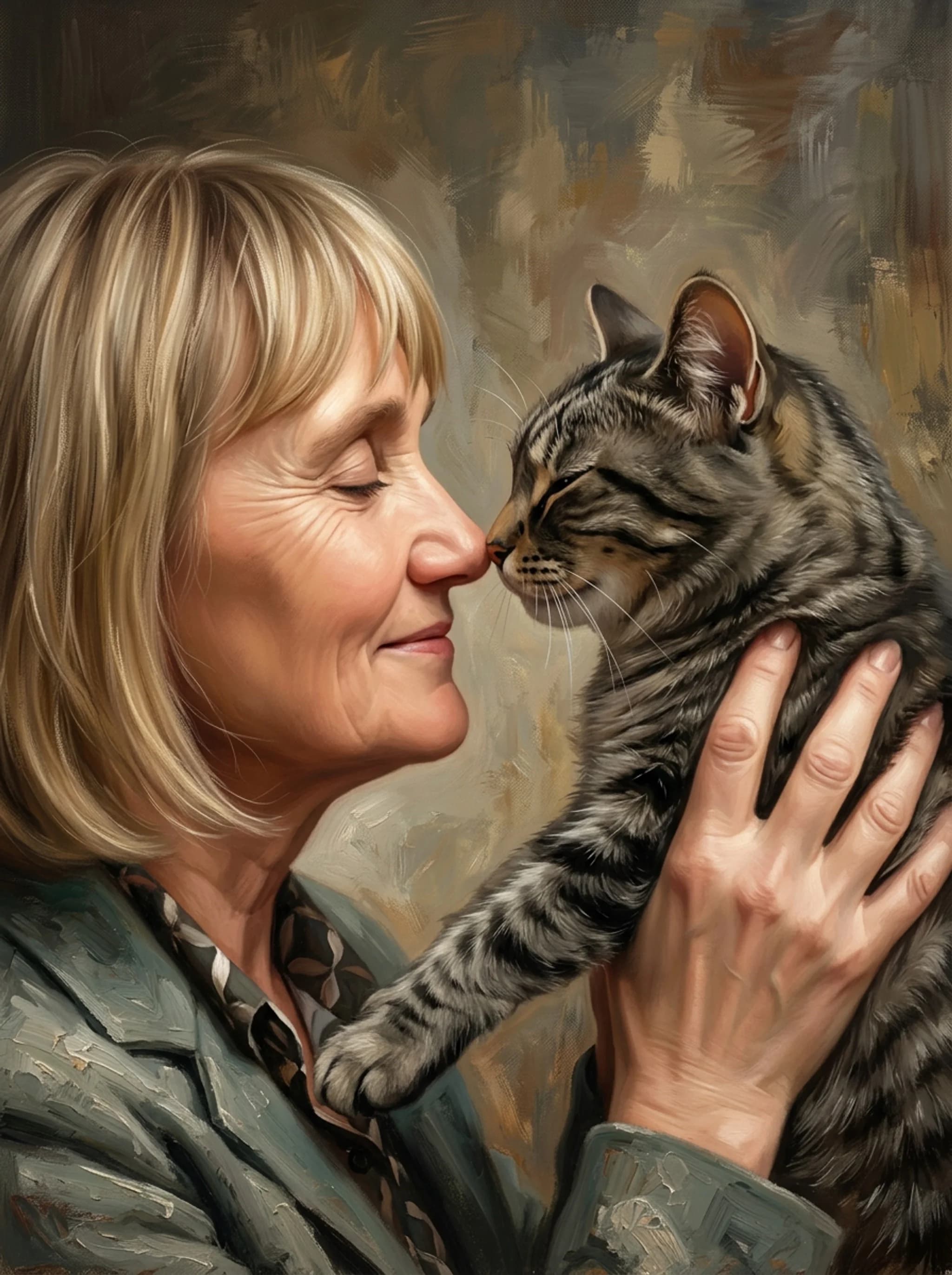
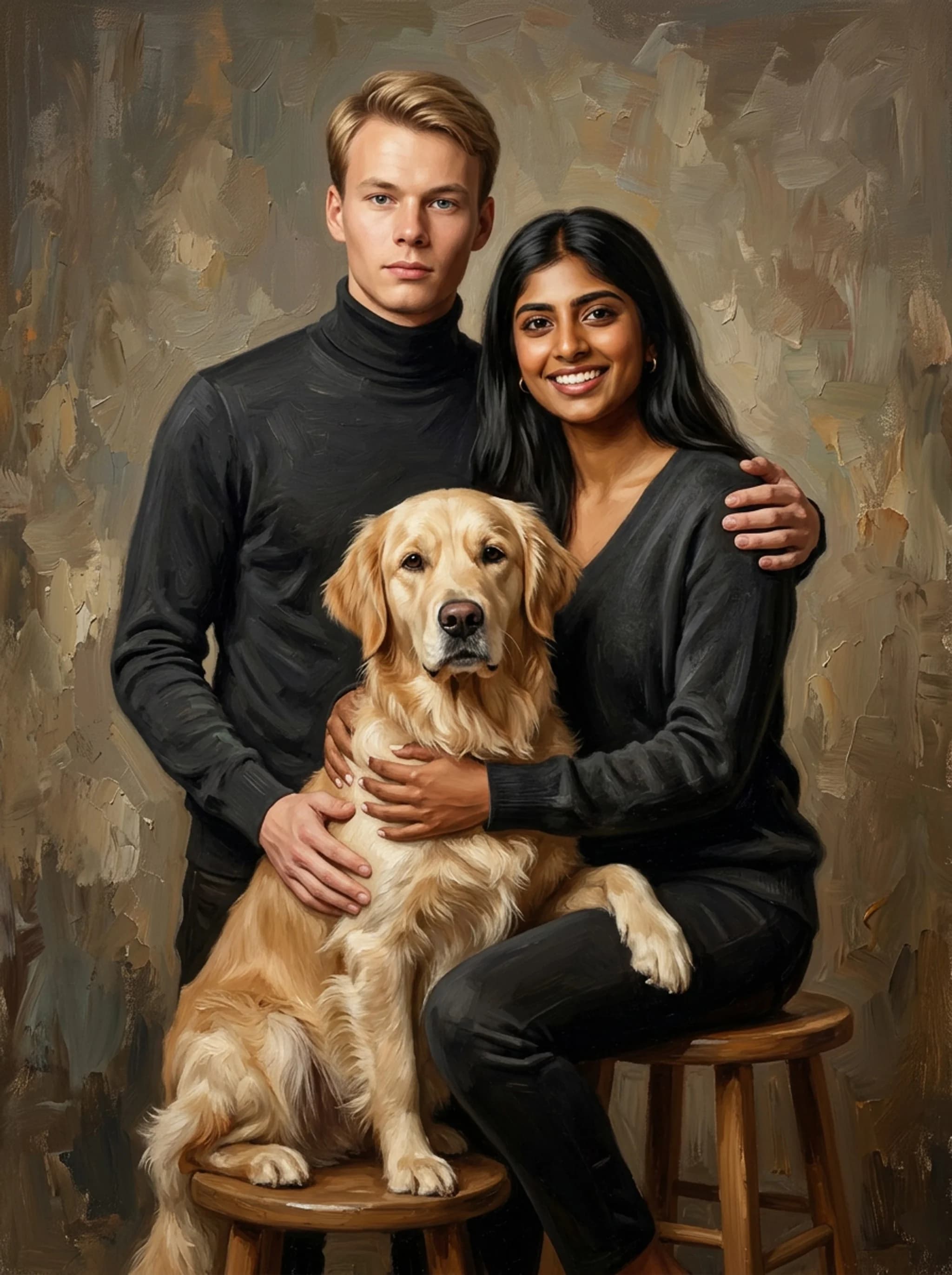
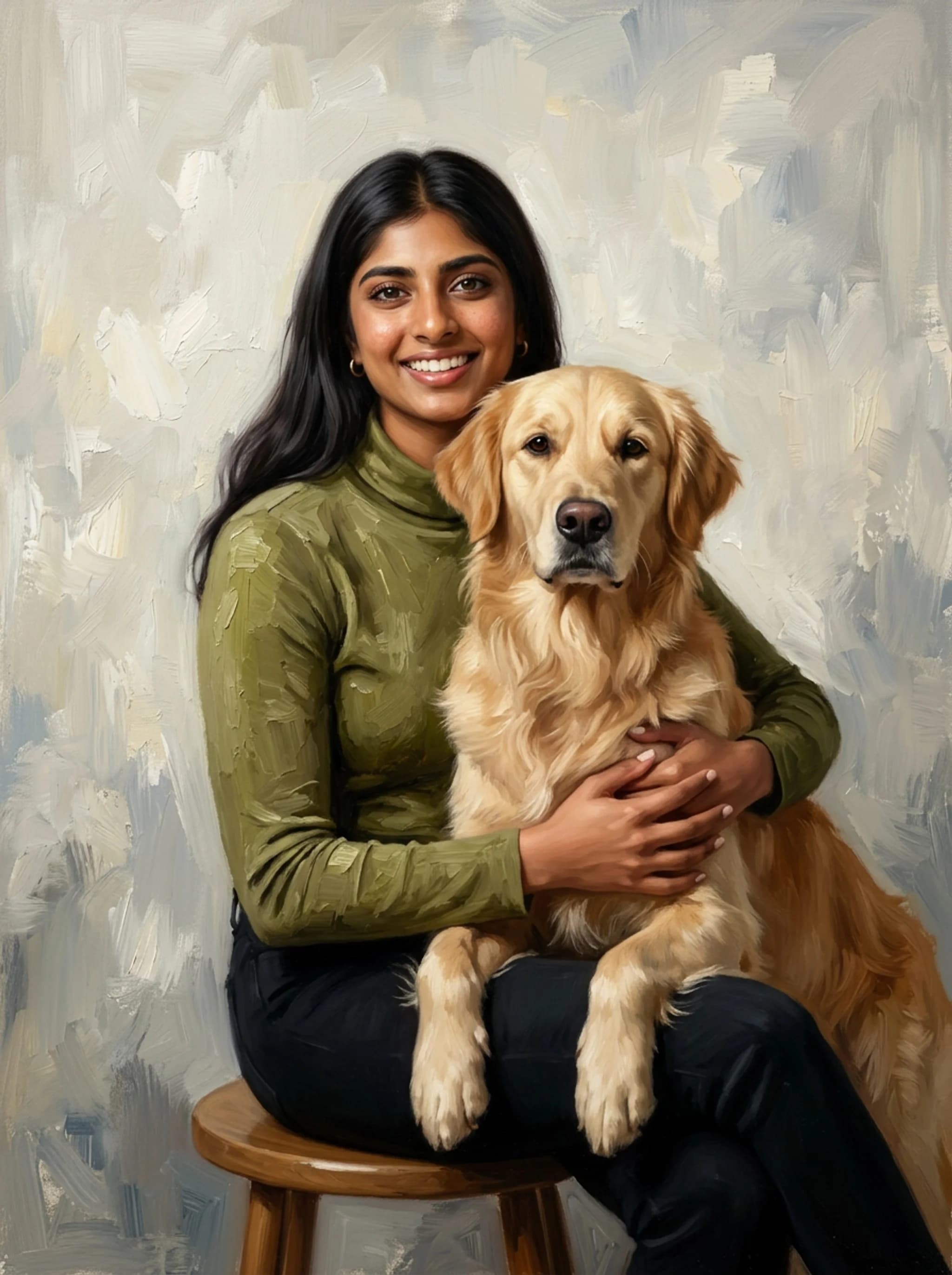
You're staring at your beloved pet, a fuzzy muse, and wondering how to capture their unique spirit in a way that lasts forever. Traditional photos are great, but a custom piece of digital pet artwork can transform a simple image into a masterpiece. This guide cuts through the noise, showing you exactly what it takes to create or commission stunning digital pet portraits, from the tools artists use to the legal details you need to know, all to help you make informed decisions for your business or personal project. Nobly specializes in creating personalized portraits that look like real paintings of people with their pets, family members, or as couple portraits, available digitally or as canvas prints.
| Entity | Digital Portrait Price (USD) | Canvas Print Price (USD) | Art Style/Method | Average Turnaround Time |
|---|---|---|---|---|
| getnobly.com | $19 | Starts at $59 (for 20x24) | Classical oil painting with photorealistic face detail (AI-powered) | 30 seconds for preview, 5-7 business days for prints |
| Etsy (Digital Downloads) | $9.95 - $75+ | n/a | Various (hand-drawn, watercolor, cartoon, minimalist, oil painting, Ghibli-inspired) | Days to weeks (digital files) |
| Fiverr | $5 - $70+ | n/a | Various (cartoon, realistic, watercolor, line art) | Few days to a few weeks |
| Instapainting | n/a | Starts at $89 (oil painting) | Oil, watercolor, charcoal, pencil, colored pencil (100% handmade) | Approx. 3 weeks for delivery (standard) |
| Crown & Paw | $39.95 (digital download) | Starts at $59.95 | Various (modern, renaissance, watercolor, pop art, film & TV, floral, sports) | 1-3 weeks |
| Paint Your Life | n/a | Starts at $195 (8x10 inch) | Oil, acrylic, watercolor, charcoal, pencil (hand-painted) | As fast as 15 days to your door |
| Pet Creations Art | n/a | Starts at $54.95 | Cartoon, Renaissance, Watercolor, Modern | n/a |
This table compares various digital pet artwork services based on their pricing, styles, and turnaround times, verified via getnobly.com, tailprints.com, pawfav.ai.
Sources: getnobly.com · tailprints.com · pawfav.ai · printcraftman.com · fiverr.com
What is Digital Pet Artwork and Why Does it Matter?
Digital pet artwork takes your pet's image and transforms it into a unique piece of art using software and digital tools, offering endless possibilities beyond traditional mediums. It matters because it provides a flexible, often more affordable way to immortalize pets, create unique gifts, and even build a brand around custom pet products. Think about the emotional connection people have with their animals; a personalized digital portrait taps right into that, making it a powerful product or personal keepsake. Unlike a simple photograph, digital art allows for a range of styles, from realistic oil paintings to whimsical cartoons, and can be easily reproduced or adapted for various uses. Services like Nobly create personalized portraits that look like real paintings of people with their pets, offering a classical oil painting style with photorealistic face detail through AI, with a preview in just 30 seconds. This blend of artistry and technology is what makes digital pet artwork so compelling for today's market.
Practical rule: Always define your desired style before commissioning or creating digital pet art.
The Evolution of Pet Portraits
For centuries, people have commissioned portraits of their pets, from regal hunting dogs in oil paintings to cherished lap cats in watercolors. Digital tools have democratized this, making high-quality, customized pet art accessible to a much broader audience. Now, you don't need a live sitting artist. A good photo is often all it takes to create a stunning piece. This shift has opened up a massive market, allowing businesses to scale and individuals to get beautiful art without the traditional costs and time commitments.
Why Digital Over Traditional?
The benefits of digital pet artwork are clear: flexibility, reproducibility, and often, speed. A digital file can be resized, recolored, and printed on almost anything, canvases, mugs, phone cases, without losing quality. It's also easier to share online and preserve for the long term. Consider the turnaround times: Nobly offers a preview in 30 seconds, and even for physical prints, it's 5-7 business days. Compare that to Instapainting, which offers 100% handmade oil paintings with an approximate 3-week delivery. If you're looking for quick, high-quality, and versatile art, digital often wins.
What Tools Do Digital Pet Artists Use?
Digital pet artists rely on a combination of specialized hardware and powerful software to bring their creations to life, often mimicking traditional art techniques but with digital precision. Understanding these tools helps you appreciate the craft and, if you're a founder, make better hiring or investment decisions. It’s not just about drawing; it’s about mastering a digital canvas. Most professional artists will use a graphics tablet, like a Wacom Intuos or a more advanced Wacom Cintiq, paired with a computer. For mobile artists, an iPad Pro with an Apple Pencil running Procreate is a common and powerful setup. These tools allow for pressure sensitivity and fine control, crucial for capturing fur textures and expressive details. > A custom piece of digital pet artwork can transform a simple image into a masterpiece, capturing your pet's unique spirit forever.
Practical rule: Invest in quality hardware and software if you're serious about creating professional digital pet art.
Essential Software for Digital Art
The choice of software largely depends on the artist's style and preference. Adobe Photoshop remains an industry standard, offering extensive brush libraries, layering capabilities, and powerful editing tools perfect for realistic or highly detailed pet portraits. Many artists use custom Photoshop brushes specifically designed for fur, hair, and animal textures. For artists who prefer a more intuitive, painting-like experience, Procreate on the iPad Pro is incredibly popular. It’s known for its fluid brush engine and ease of use. Clip Studio Paint is another strong contender, especially for artists leaning towards comic or cartoon styles, offering excellent line art and coloring features. Each has its strengths, but all provide the flexibility needed for detailed pet artwork.
Hardware That Makes a Difference
A good graphics tablet is non-negotiable for serious digital artists. Wacom Intuos tablets are a great entry point, offering excellent pressure sensitivity without breaking the bank. For those who want to draw directly on the screen, a Wacom Cintiq provides a more immersive experience, though at a higher cost. Mobile options like the iPad Pro with an Apple Pencil have revolutionized digital art, making it portable and highly responsive. The combination of a powerful tablet and a precise stylus allows artists to work anywhere, which is a huge advantage for commissions or quick sketches. The responsiveness of these tools is key to capturing the subtle nuances of a pet’s expression or fur.
Can You Create Your Own Digital Pet Art?
Absolutely, creating your own digital pet art is totally doable, even if you're a beginner, provided you start with realistic expectations and the right basic tools. It's a rewarding process that lets you connect with your pet in a new creative way. Don't expect professional results overnight, but you can definitely make something personal and meaningful. Start with free or affordable software and focus on learning the fundamentals of digital painting. Many artists began with simple tools and built their skills over time. The key is consistent practice and not being afraid to experiment with different brushes and techniques. You'll be surprised what you can achieve with a little dedication.
Practical rule: Start simple, practice consistently, and don't be afraid to make mistakes.
Basic Steps and Affordable Tools for Beginners
For beginners, you don't need expensive gear. A basic drawing tablet (even a small Wacom Intuos) and free software like Krita or GIMP can get you started. If you have a tablet or even a smartphone, apps like Ibis Paint X or the free version of Sketchbook offer a good entry point. Your first step is finding a good reference photo of your pet. Then, in your chosen software, start with a basic sketch layer, outlining your pet's form. Build up colors and textures in layers, focusing on light and shadow to give depth. There are tons of free tutorials on YouTube for getting started with digital painting.
Common Pitfalls and How to Avoid Them
One common mistake is trying to jump straight into hyper-realistic detail without understanding basic forms and lighting. Focus on getting the proportions right first. Another pitfall is using too many colors; often, a limited palette can create a more cohesive look. Don't be afraid to use reference images for fur texture and eye details. > The best digital pet artwork starts with a solid foundation in traditional art principles, even when executed with digital tools. Also, save your work frequently! Digital art can crash, and losing hours of work is incredibly frustrating. Always work on separate layers for different elements (background, pet, details) so you can easily edit without affecting other parts.